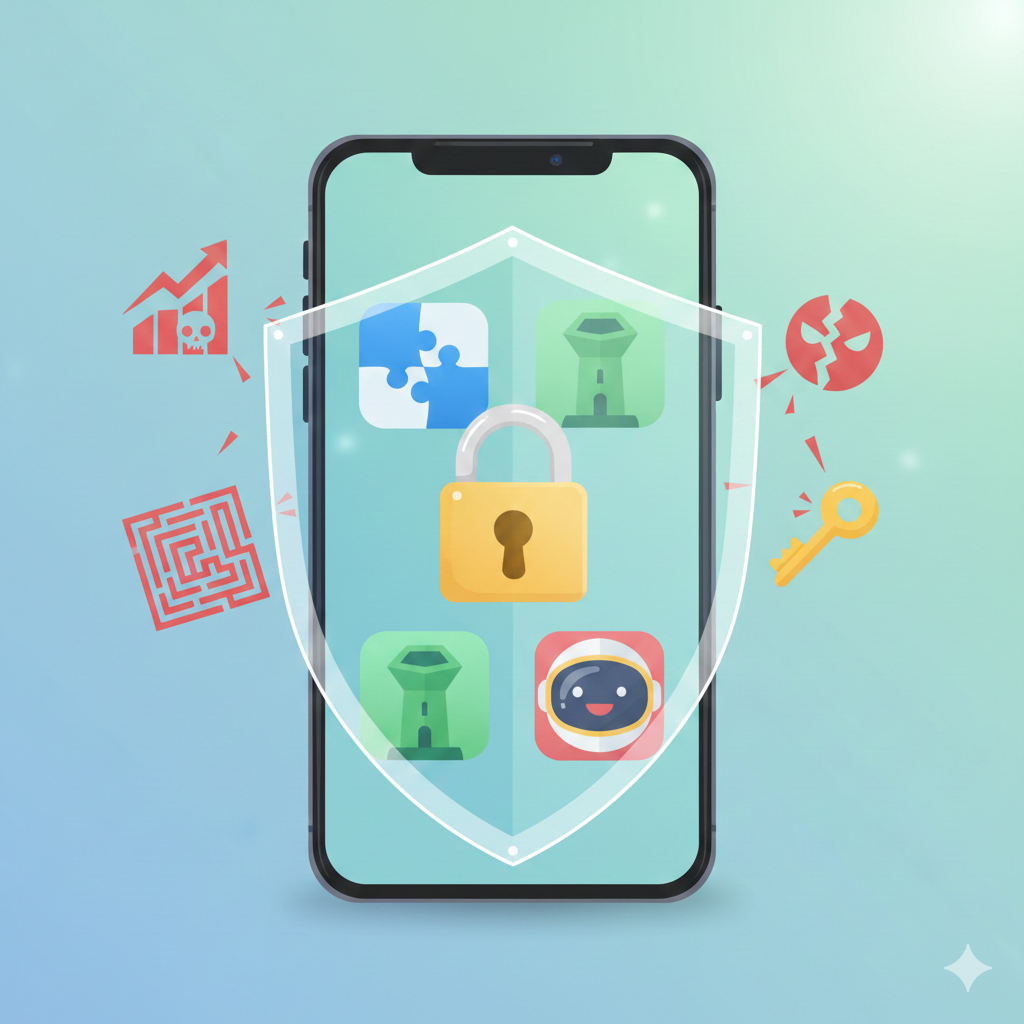
We’ve all been there: a spare five minutes, a desire for some quick fun, and a quick trip to your device’s app store. Free games promise instant entertainment without the upfront cost. Yet, we’re increasingly aware that “free” often carries a hidden price—one paid not just with your time, but with your personal data, your device’s security, and sometimes, your peace of mind.
The digital playground is not always safe. Between data-hungry permissions, manipulative design, and outright malicious software, choosing a game can feel like navigating a minefield. But it doesn’t have to be. This guide cuts through the noise. We’re not just listing trendy titles; we’re equipping you with the critical literacy to identify games that respect your privacy, safeguard your device, and offer genuine, fair fun.
What Defines a “Safe” Free Game App? (The Criteria)
Before we dive into genres, let’s establish a clear framework. In the context of this guide, “safety” extends far beyond just avoiding crashes. It encompasses four pillars:
1. Data Privacy: The Permission Principle
A safe game operates on a principle of minimal data collection. The crucial question to ask is: “Does this game need this permission to function?”
-
The Red Flag: A simple, offline puzzle game requesting access to your contacts, call logs, or precise location.
-
The Safe Signal: A game that requests only necessary permissions (like network access for online features) and provides a clear, accessible privacy policy explaining what data is collected and how it’s used. Look for policies that state data is not sold to third parties.
2. Monetization Ethics: Fair Play vs. Pay-to-Win
Free games need to make money. The how defines your experience.
-
Fair Ads: Non-intrusive banner ads or optional rewarded videos (watch an ad to earn an extra life or in-game currency) where the exchange is transparent and user-controlled.
-
Predatory Adware: Games that bombard you with full-screen, un-closable ads every 30 seconds, or ads that trigger accidentally. This is a sign of disrespect for the user and a potential security risk, as ad networks can be compromised.
-
Fair Microtransactions: Selling cosmetic items (skins, outfits) or convenience boosts that don’t create an unbeatable advantage. The core gameplay progression remains skill-based.
-
Predatory Microtransactions: The infamous “pay-to-win” model, where players who spend money gain significant, often necessary, power advantages. These games are often designed to create frustration to drive purchases—a major red flag for a negative experience.
3. Official Verification: Your First Line of Defense
The single most important security practice is to download games only from official app stores: Google Play Store or Apple’s App Store.
While not impervious, these platforms have robust (though not perfect) automated and human review processes that scan for known malware and policy violations. Sideloading apps from third-party websites or APK files dramatically increases your risk of installing malware disguised as a game, which can lead to data theft, ransomware, or a hijacked device.
Top Categories of Safe Free-to-Play Games
Instead of a fleeting list of titles, let’s explore genres that, by their design, often align with our safety criteria. These categories tend to focus on gameplay over exploitation.
Logic & Puzzle Games: The Low-Risk Brain Train
This genre is a sanctuary for safe, respectful gaming. Games like Sudoku, nonogram apps, or physics-based puzzles like Monument Valley (often offered free through subscription services) typically have low data requirements, minimal necessary permissions, and monetize through one-time purchases or very light ads. They’re perfect for offline play and focus on player skill and satisfaction.
Key Safety Feature: Often single-player and offline, drastically reducing data privacy concerns and social risks.
Multiplayer Social Games: Community & Moderation
Games like Among Us or Roblox (with careful supervision) thrive on player interaction. Safety here hinges on the developer’s commitment to a healthy community.
-
Look For: Robust and easy-to-use reporting systems, active human moderation, clear community guidelines, and customizable privacy settings (like who can message you or invite you to games).
-
The Takeaway: A safe social game gives players the tools to control their experience and protect themselves from harassment.
Strategy & Tower Defense: Skill Over Wallet
Titles in the vein of Bloons TD 6 (which has a free version) or classic real-time strategy games often offer deep, satisfying progression based on planning and tactics. While they may have in-app purchases, the best examples ensure that paying players don’t auto-win.
-
Safe Progression: You unlock new levels, towers, or units by playing the game and mastering its mechanics, not just by spending money.
-
Ethical Monetization: Purchases often accelerate progression or add cosmetic variety, but don’t break the core game balance for non-paying players.
How to Spot a “Red Flag” Game App (Educational Deep Dive)
Arm yourself with a skeptic’s eye before you tap “install.” Here’s your practical checklist, summarized in the table below.
| Safe App Signals | Dangerous App Signals (Red Flags) |
|---|---|
| Verified & Known Developer (e.g., “Supercell Ltd.”) | Unknown or Generic Publisher (e.g., “Fun Game Studio LLC”) |
| Clear, Detailed Privacy Policy linked in store listing | Vague or missing privacy policy; data use “not disclosed.” |
| Transparent Monetization: Cosmetic IAPs, optional ads | Aggressive Monetization: “Pay-to-Win,” constant pop-up ads |
| Reasonable Permissions (aligned with game function) | Excessive Permissions (contacts, SMS, location for a simple game) |
| High Volume of Genuine, Detailed Reviews | Mostly 5-star reviews with generic text (“Great game!”), or a flood of 1-star complaints about ads/malware |
| Professional Icons & Screenshots | Sloppy, stolen, or sensationalist visuals (lots of $$$ symbols) |
Beyond the store listing, beware of Dark Patterns inside the game. These are manipulative user interface designs meant to trick you.
-
“Confirm Shaming”: Buttons that say “No, thanks, I don’t want to have fun” to pressure a purchase.
-
Misleading Button Placement: Putting the “Buy Now” button exactly where the “Close Ad” or “Continue Playing” button usually is, causing accidental taps.
-
Countdown Timers on “Deals”: Creating artificial scarcity to trigger impulsive buys.
The 5-Minute Pre-Download Audit: Check the developer name, skim the last page of reviews (sort by most recent), and scan the “Data Safety” section on Google Play or “App Privacy” on iOS. If anything feels off, trust your instinct.
Parental Controls & Digital Wellbeing
Safety isn’t just about malware; it’s about healthy habits. Both Android and iOS provide powerful tools.
For Screen Time Management:
-
iOS: Use Screen Time to set daily app limits, downtime schedules, and content & privacy restrictions.
-
Android: Use Digital Wellbeing (or Family Link for children) to set app timers and a bedtime schedule.
The Essential Lock: Disabling In-App Purchases
This is non-negotiable for children’s devices and a good idea for anyone wanting to avoid impulse spending.
-
iOS: Go to Settings > Screen Time > Content & Privacy Restrictions > iTunes & App Store Purchases. Set “In-app Purchases” to Don’t Allow.
-
Android: In the Google Play Store app, tap your profile > Settings > Family > Parental controls. Turn them on, create a PIN, and under “Purchase & downloads,” require authentication for all purchases.
FAQ Section
Q: Are free games really free?
A: Yes and no. You typically don’t pay money upfront. However, the “currency” is often your attention (viewing ads) and your data. A truly ethical free game is transparent about this exchange and gives you control over it. The safest free games monetize respectfully through optional ads or fair cosmetic purchases.
Q: How do I know if a game app has a virus?
A: The strongest indicator is downloading only from official stores. Signs of a compromised app on your device include: rapid battery drain, excessive data usage, new unfamiliar apps appearing, and the device running hot when idle. If suspected, uninstall the app immediately and run a security scan.
Q: What are the safest game apps for children?
A: Look for games from established children’s brands (like PBS Kids, Toca Boca) or those with strong parental controls. Prioritize games that are ad-free, have no in-app purchases, and do not require online communication with strangers. Always use the device-level parental controls outlined above.
Q: Can I play online games without Wi-Fi?
A: Absolutely. Many puzzle, strategy, and idle games offer full offline modes. When browsing, look for the “Offline” tag or check the app description. This is also a great privacy feature, as offline play requires no data transmission.
Conclusion: Play Smart, Stay Safe
In today’s digital ecosystem, being a savvy gamer is as important as being a skilled one. The joy of a great game should never be undermined by the anxiety of data misuse, the frustration of manipulative design, or the risk of a compromised device.
The ultimate takeaway is empowerment through digital literacy. You have the right to a safe, fair, and fun gaming experience. It starts with a moment of pause—before you download, scrutinize those permissions, research the developer, and understand the monetization model. Your attention and your data are valuable. Choose to give them to game creators who respect you as a player, not just as a commodity. Now, go play—safely.
2 thoughts on “Free Online Game Apps You Can Play Safely Fair Play”